How to plan a visit to an accessible museum
Organize your route, resources for engaging with the artworks and contact with staff before visiting the museum.
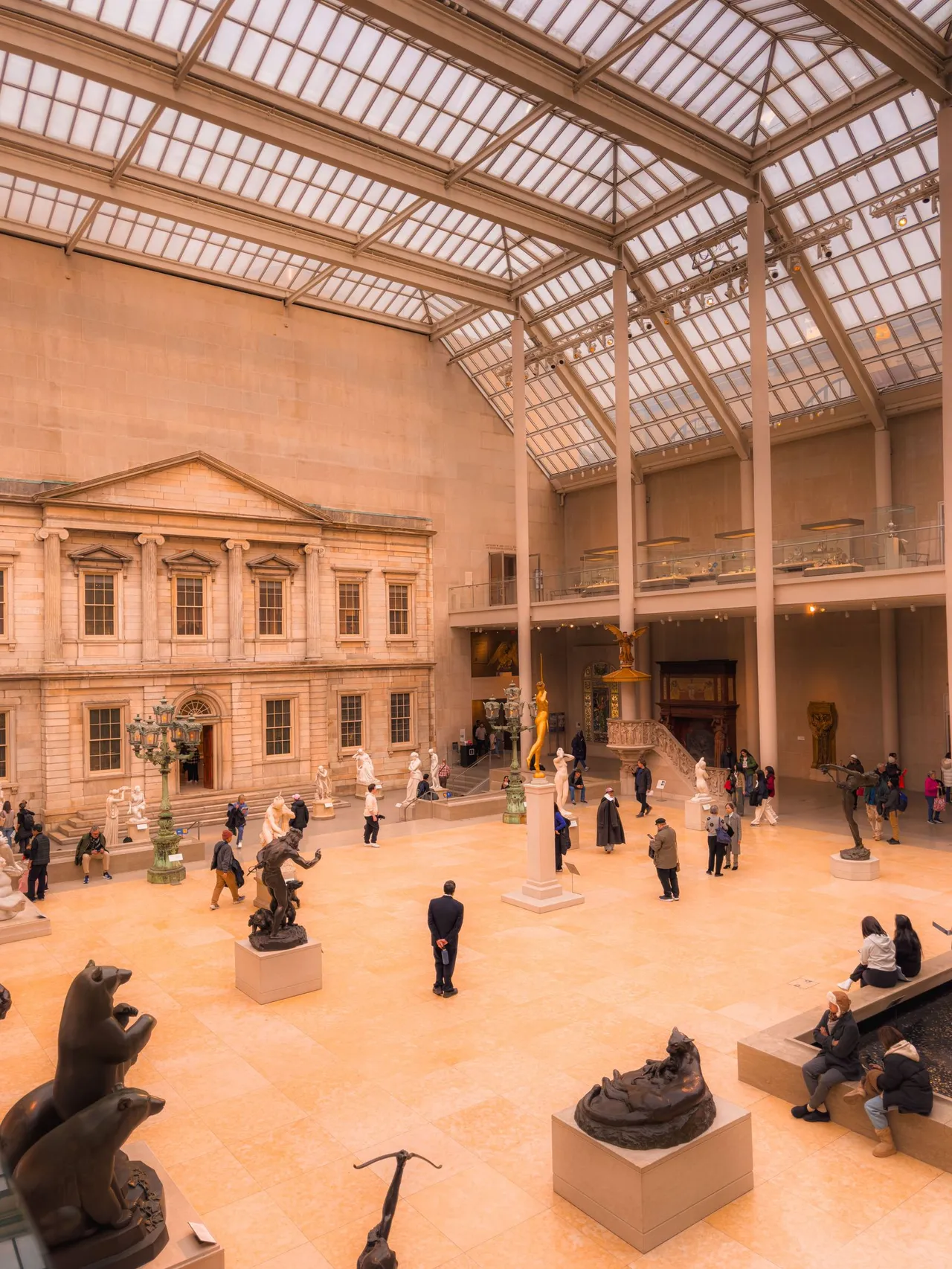
This itinerary explains how to plan a visit to an accessible museum: choose the exhibition, identify the resources you need and confirm with the institution how they work on your intended date.
Check both the physical route and access to the artworks' content. An accessibility page is a starting point, not a guarantee that every space and service will be available.
These questions help organize the outing. The institutions cited describe their own services; this guide does not assess or certify museums.
1. Choose an exhibition and a priority route
Start with what you want to see. Record the exhibition, building and intended date. If there are several locations, check that the accessibility information concerns your chosen one.
Choose a main route and a shorter alternative. Ask which rooms contain the works that interest you and whether the route involves floor changes, outdoor sections or temporarily closed areas.
Avoid organizing the visit solely around the number of rooms. Allow time for finding your way, communication resources and breaks according to your preferences. There is no ideal duration for everyone.
2. Confirm entrances, circulation and exits
Describe your intended route and request specific information. Simply asking whether the museum is accessible may produce a general answer that does not clarify your visit.
If dimensions matter for your mobility equipment, ask staff for measurements. Do not conclude that a doorway, platform or bathroom meets your needs based only on a photograph or symbol.
- Does the entrance shown on the ticket have a step-free alternative? How do I find it?
- Does access to the chosen rooms depend on a lift? Is any downtime expected?
- Where are the bathrooms meeting your needs and the rest points?
- If a section becomes unavailable, what is the alternative and who can help?
- Will the same exit route remain available until the end of the visit?
3. Check access to artworks and educational support
Ask about resources for the specific exhibition: audio description, Libras (Brazilian Sign Language), captions, supporting texts or authorized tactile experiences. Confirm the language and how to locate each resource.
Pinacoteca describes educational visits in Libras and with multisensory resources. It also lists audio description and a Libras video guide for particular exhibitions.
Use this example to frame questions, not to assume the same service exists in every exhibition. Distinguish resources available on an independent visit from those requiring staff accompaniment or booking.
Check whether the audio guide includes visual descriptions of the artworks or only commentary on the collection. If you want to explore by touch, ask which works or reproductions are authorized for this.
Reference: Pinacoteca: accessibility.
4. Prepare digital resources before leaving
The Museu da Língua Portuguesa describes a browser-based tool requiring no download, with maps, Libras content and an audio guide. This is the institution's description, not an independent test.
When a museum offers phone-based resources, request the official address in advance. Test opening it on your device and, if applicable, with your screen reader. Check whether an internet connection is needed throughout.
Ask about an alternative if your phone does not work or its battery runs out. Agree with your group how to use audio while staying in communication, and check whether you need your own headphones.
Reference: Museu da Língua Portuguesa: The Museum.
5. Distinguish independent, educational and group visits
Do not assume that buying a ticket reserves educational support, interpretation or equipment. Ask the institution to explain admission, activity participation and resource requests separately.
For groups, confirm the meeting point, contact arrangements, any booking conditions and what to do if late. Request written confirmation of agreed services without sending unnecessary diagnoses.
A useful message could say: I want to visit this exhibition on this date and need this resource. How do I request support? Does it cover the rooms I want to visit? Are route changes expected?
6. Plan breaks and an alternative
Ask about rooms with loud sounds, low lighting or large crowds according to what matters to you. Confirm whether there is a break space and the conditions for leaving and returning.
Bring the replies, a ticket format you can consult and staff contact details. Check for changes on arrival. If an agreed resource is unavailable, ask for guidance before starting the route.
An alternative could be fewer rooms, another activity or another date. Do not improvise transfers or routes you consider unsuitable just to complete the original itinerary.
Checklist before confirming
- Exhibition, location and date checked.
- Entrance and route to the rooms clarified.
- Communication resources confirmed for the chosen content.
- Bookings and resource requests separated from ticket purchases.
- Bathroom, rest points and alternative routes checked.
- Digital resources tested on the device you will use.
- Staff contact and confirmation available to consult.
- Shorter plan or another alternative agreed with the group.
Frequently asked questions
Does every museum with a ramp offer an accessible visit?
A ramp addresses only part of the route. Also check circulation, access to artworks, communication, bathrooms and the services you plan to use. Request answers for your exhibition and visit date.
Do I need a booking even when visiting alone?
Ask the museum. Independent visits and staff-supported resources can follow different procedures. Ticket sales do not confirm educational support or other assistance.
Can I rely only on the digital resource?
Test it beforehand and confirm an alternative with staff. This research did not test website compatibility with devices or assistive technologies, or connection availability inside buildings.
What if the website's information is vague?
Send questions about the route and resource you want. Ask for an answer identifying the location and exhibition. Without confirmation, keep the question open rather than treating a generic description as certainty.
Planning guidance, not medical or legal advice. Confirm services, conditions and costs with the providers. Sources do not represent a SOL inspection or certification.
Sources and retrieval dates
- Pinacoteca: accessibility
Retrieved: .
Institutional primary source with no identified editorial date. It describes the institution's own services, not future availability or SOL certification.
- Museu da Língua Portuguesa: The Museum
Retrieved: .
Institutional primary source with no identified editorial date. The digital tool was not independently tested; confirm resources and operation with the museum.
Continue planning
- How to book accessible accommodation with clear answers
- Accessible events: what to confirm before attending
Would your organization like to prepare a more accessible experience? Discover SOL talks, training and consulting ↗